

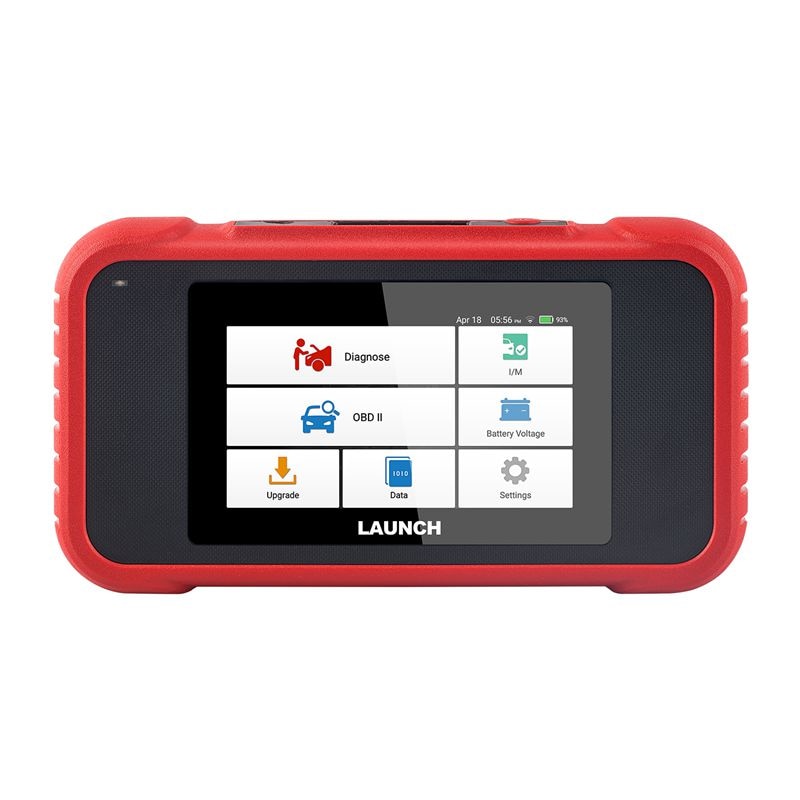
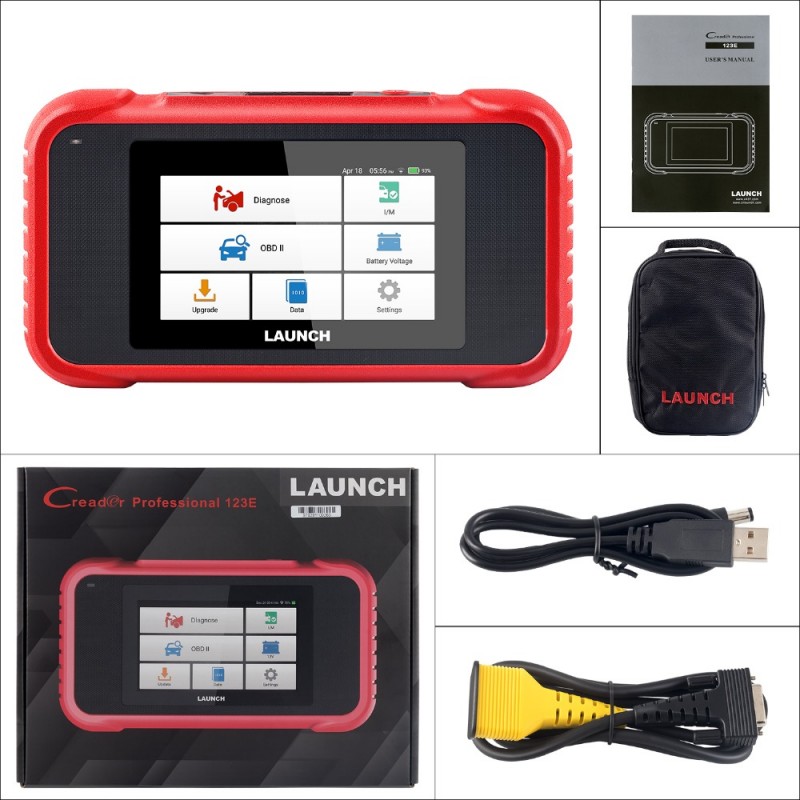
Original LAUNCH CRP123E V3.0 Four System Diagnostic Tool for Engine/ Antilock Braking/ Airbag/ Transmission

$189.00
- Brand: Launch Creader
- Product Code: SC163-B
- Reward Points: 800
- Availability: In Stock
- Weight: 1.40kg
- Views: 31275 times
Please contact Whatsapp: WhatsApp:+13399708796
Available Options
Related Products
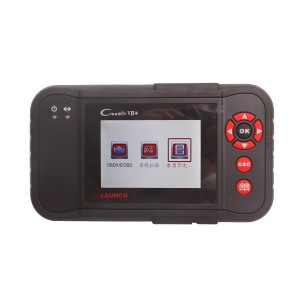
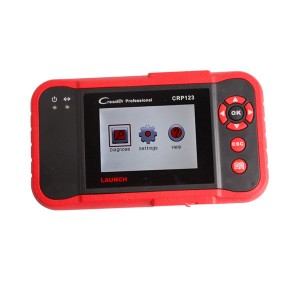
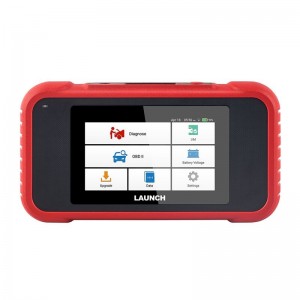
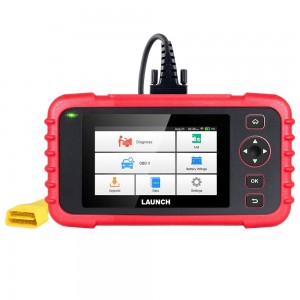
LAUNCH CRP123E V3.0 Four System Diagnostic Tool for Engine/ Antilock Braking/ Airbag/ Transmission Better Than CRP123
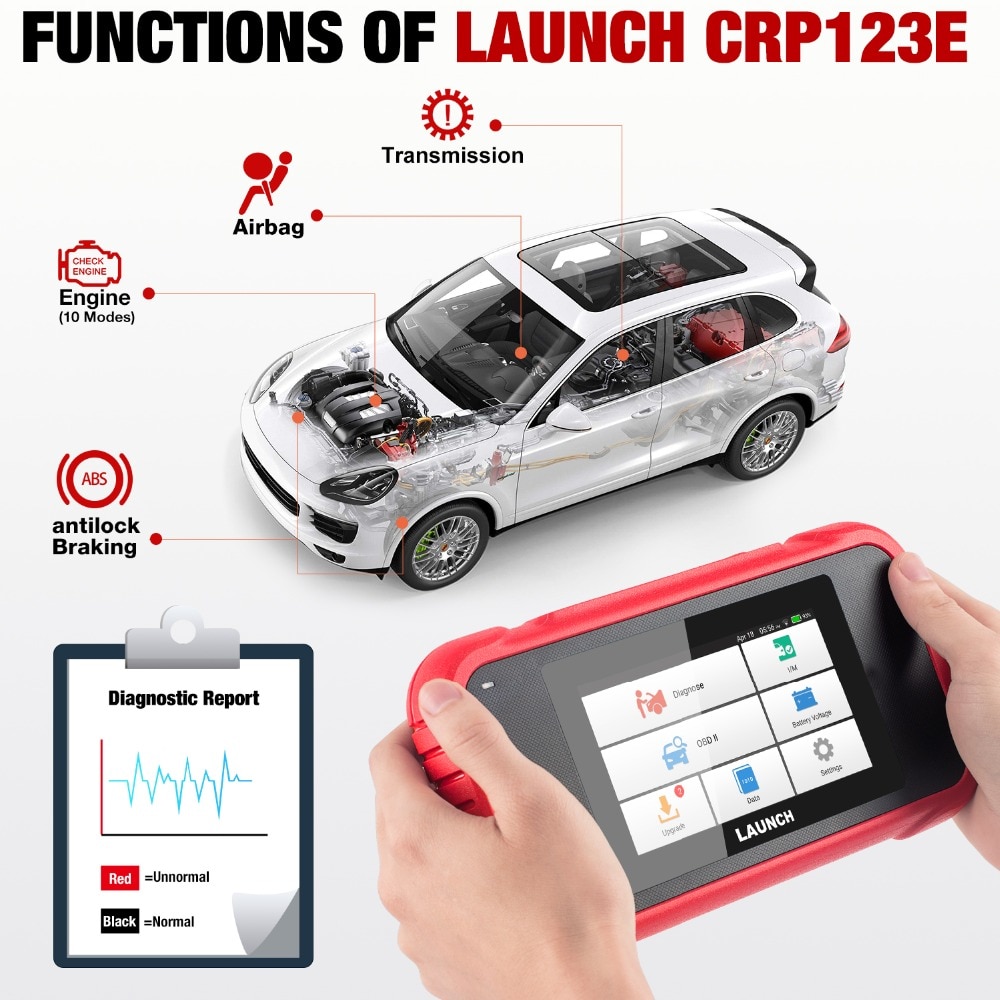
Creader Professional 123E is an evolutionary smart solution for passenger car diagnosis. It inherits from LAUNCHrsquos advanced diagnosing technology and is characterized by covering a wide range of vehicles, featuring powerful functions, and providing precise test result.
Highlights:
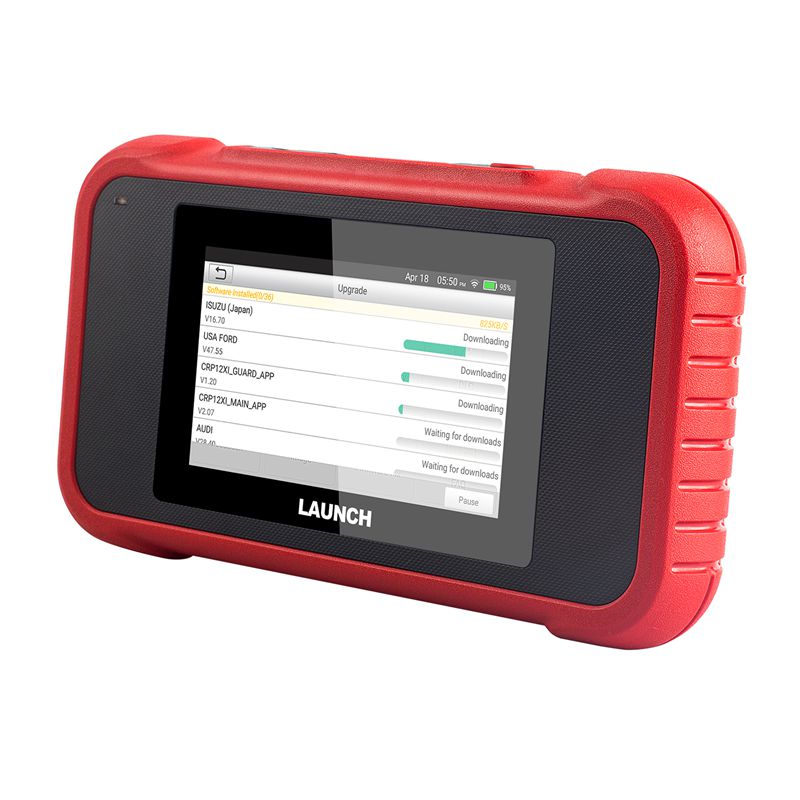
1. Lifetime Free Update Online: One-Click Update Online Via Wi-Fi
2. Multi-Protocol Supported: OBDII, EOBD, JOBD, KOBD3. Android Based O.S., 5' inch touch screen, easy to use
4. Print: Support print out diagnostic report via PC
5. Automatically Generate and Upload Diagnostic Reports
6. More Cars Covered, Updated Version of CRP123 and Creader VII+
7. Fast VIN Auto Detect (will read VIN information when you connect Car)
8. Multi-Language Supported: English, Spanish, French, German, Italian, Russian, Japanese, Korean, Portuguese
9. Newest V3.0 version, Added dual-band Wi-Fi, Charging port upgraded to Type-C, Supports CANFD/DOIP protocol extension.
What's new in V3.0?
- Added dual-band Wi-Fi
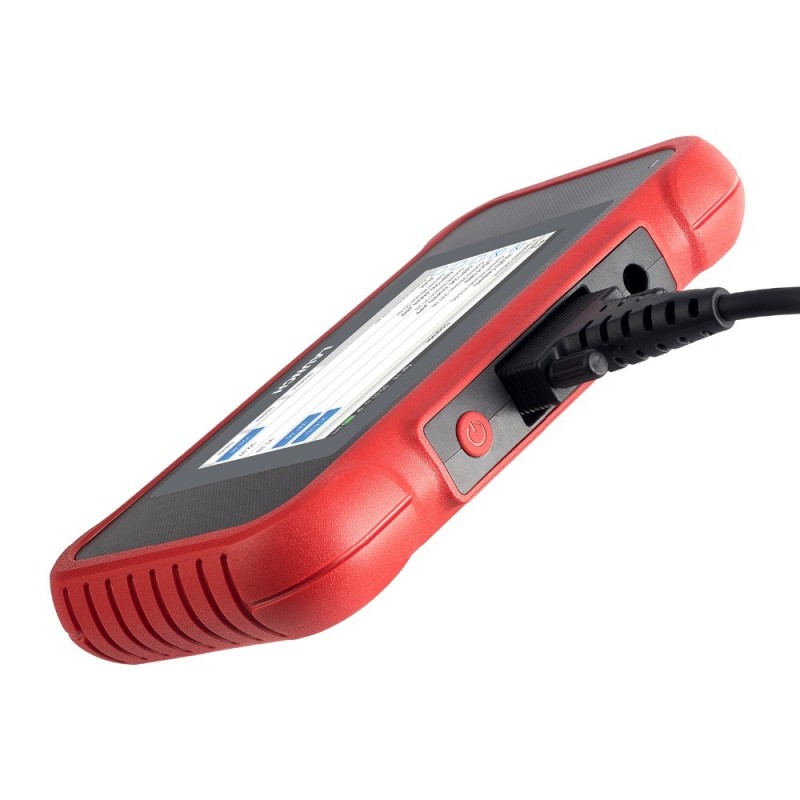
- Charging port upgraded to Type-C
- Supports CANFD/DOIP protocol extension (needs CANFD Cable or DOIP cable extra)
- Hardware unchanged, software fully upgraded
Advantage of Launch CRP123E:
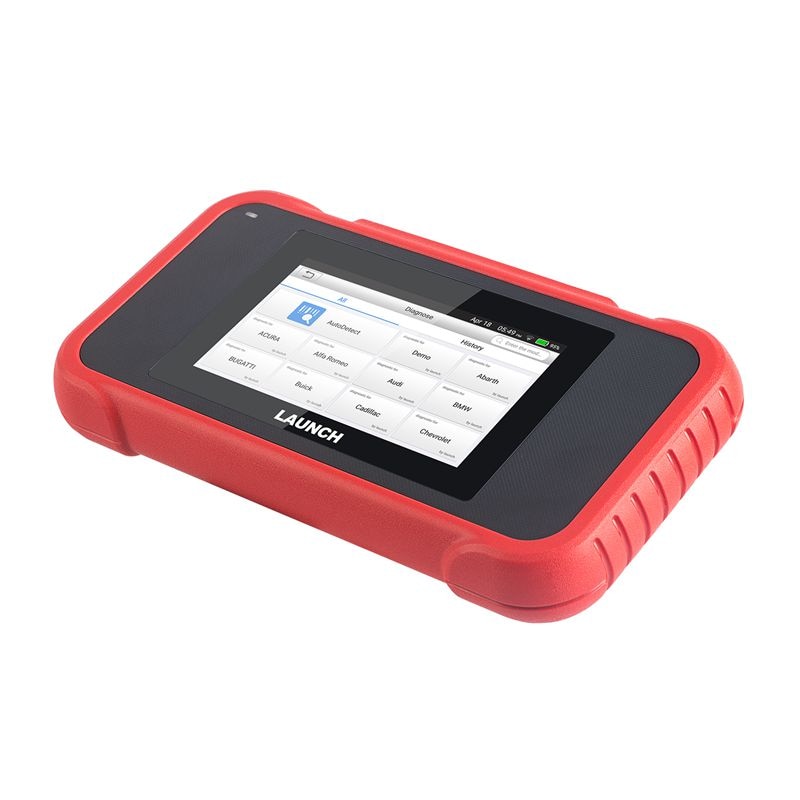
1.Smart(Auto-Detect) Diagnosis: Once the tool and the vehicle are properly connected, the system starts auto-detect process. Once the whole process is successfully finished, a diagnostic report will be automatically generated and sent to your email box (if bound).
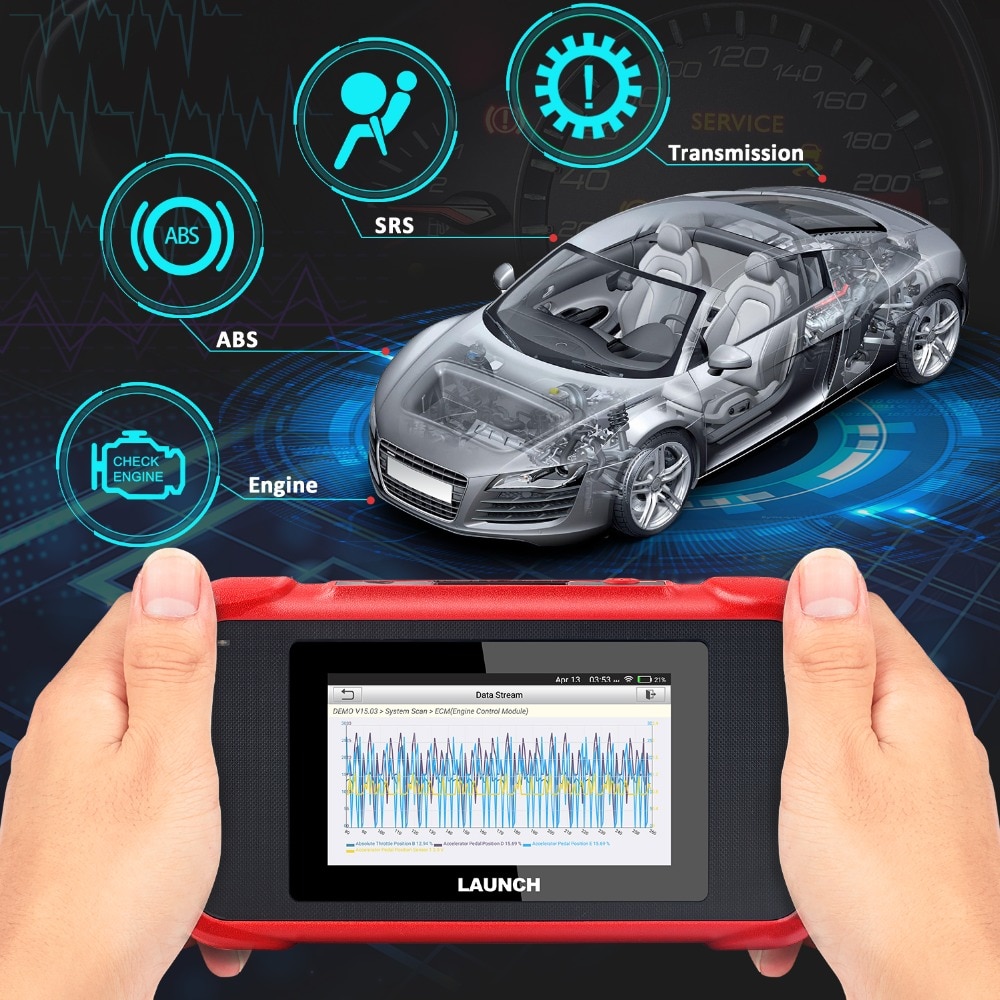
2.Manual Diagnosis: If Auto-Detect failure occurs, manual diagnosis is also available. Diagnosis functions include: Version Information, Read DTCs, Clear DTCs and Read Data Stream (supports 3 display modes: Value, Graph and Merged).
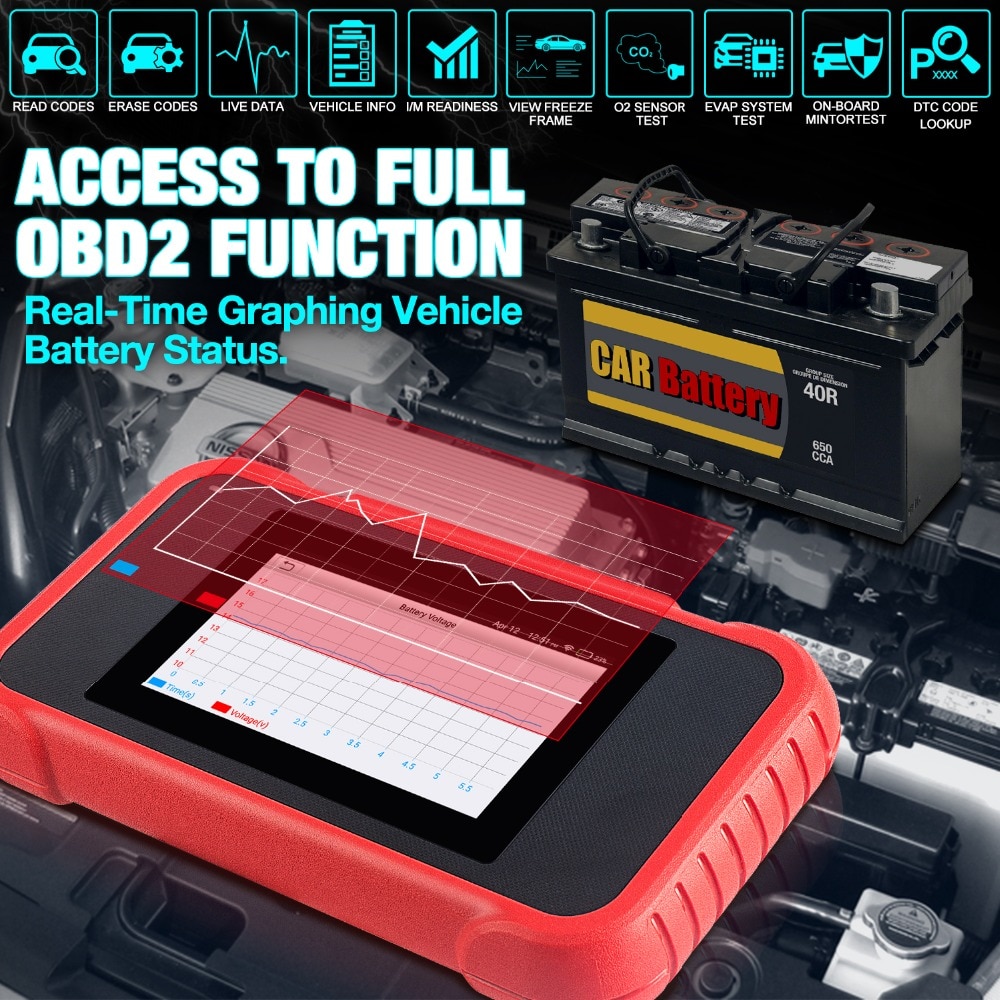
3. OBD II Diagnosis: 10 modes of OBD II test are supported, including EVAP, O2 Sensor, I/M Readiness, MIL Status, VIN Info, and On-board monitors testing etc.
4. One-click Update: Let you update your diagnostic software and APK online.
5. Diagnostic History: This function provides a quick access to the tested vehicles and users can choose to view the test report or resume from the last operation, without the necessity of starting from scratch.
6.Diagnostic Feedback: Use this option to submit the vehicle issue to us for analysis and troubleshooting.
7. DTC Library: Allows you to retrieve the definition of the diagnostic trouble code from the abundant DTC database.
8. Displays battery real-time voltage once properly connected to the vehicle.
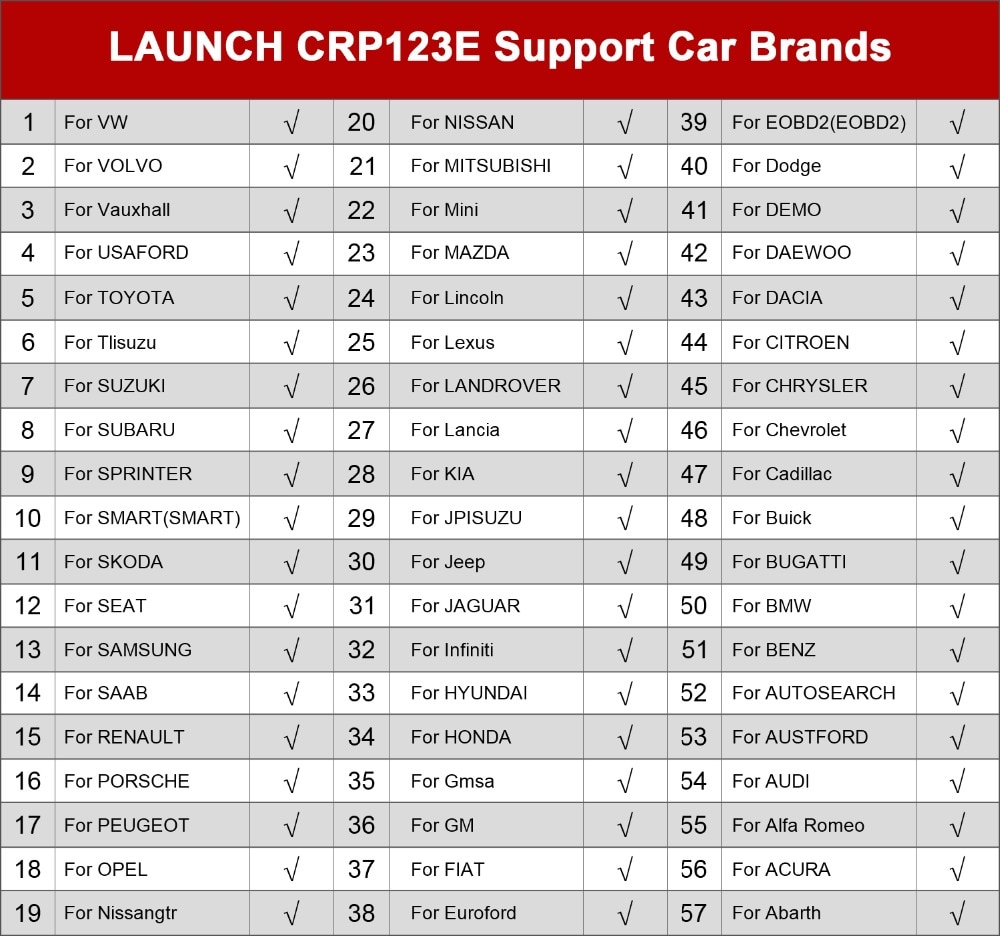
Launch CRP123E Support Car List:
Launch CRP123E Specification:
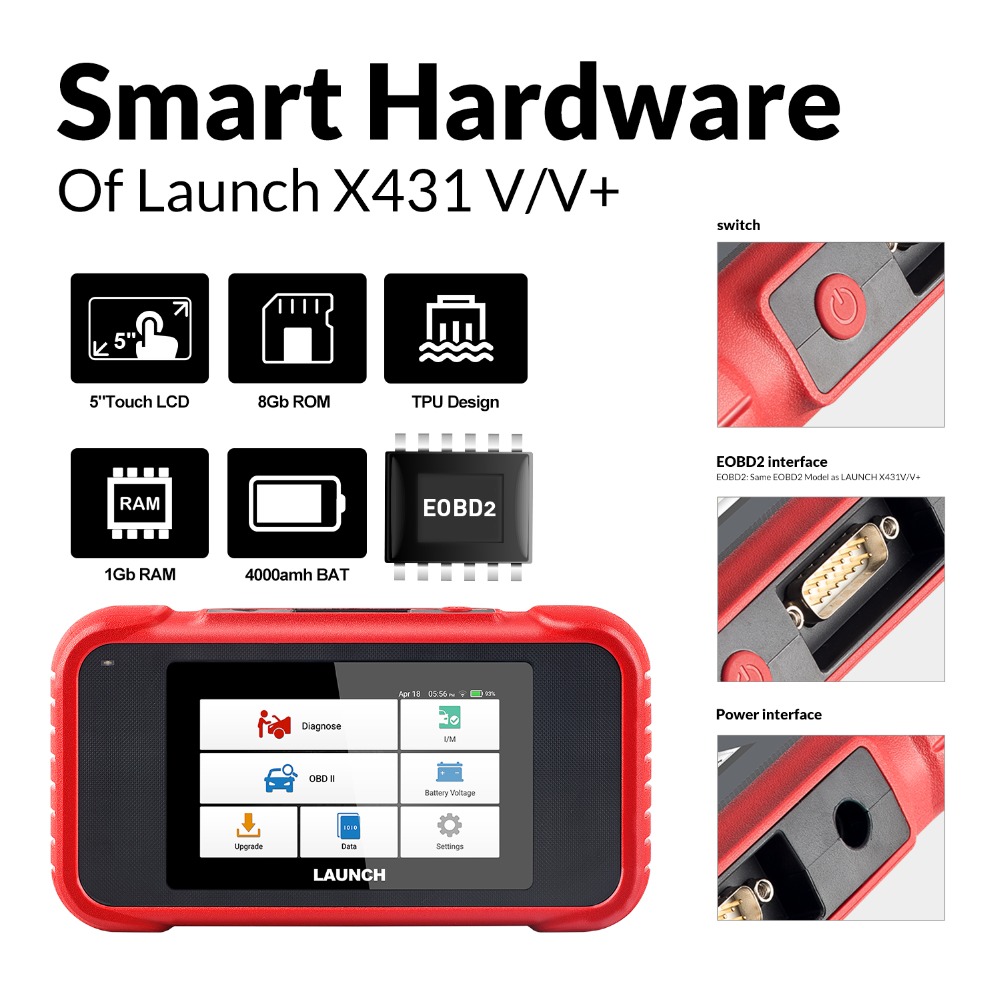
Screen: 5'inch Touch Screen
RAM: 1G
ROM: 8GB
Battery: 4000mAh rechargeable Li-battery
OBD II input voltage range: 9~18V
Charging via:DC 5V charging cable or Diagnostic cable through connection to vehiclersquos DLC
Dimension: 228mm x 125mm x 34.5mm
Working temperature: -10 to 50degC (14 to 122 Fdeg)
Storage temperature: -20 to 70degC (-4 to 158 Fdeg)
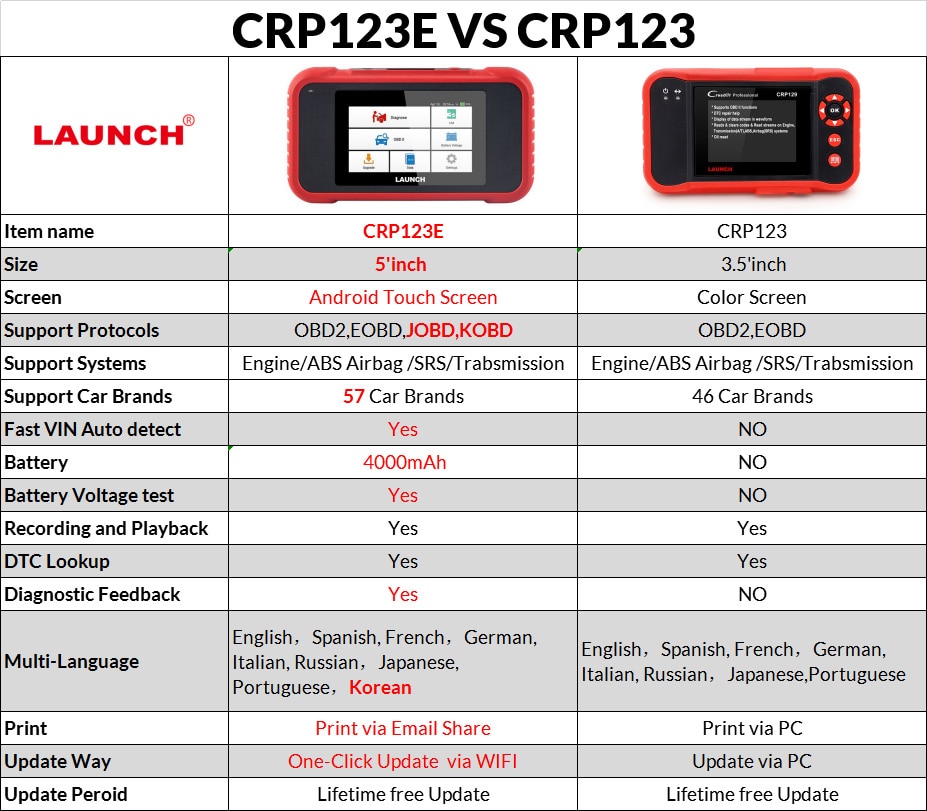
Launch CRP123E VS Launch CRP123:
X431 CRP123E Hardware Display:
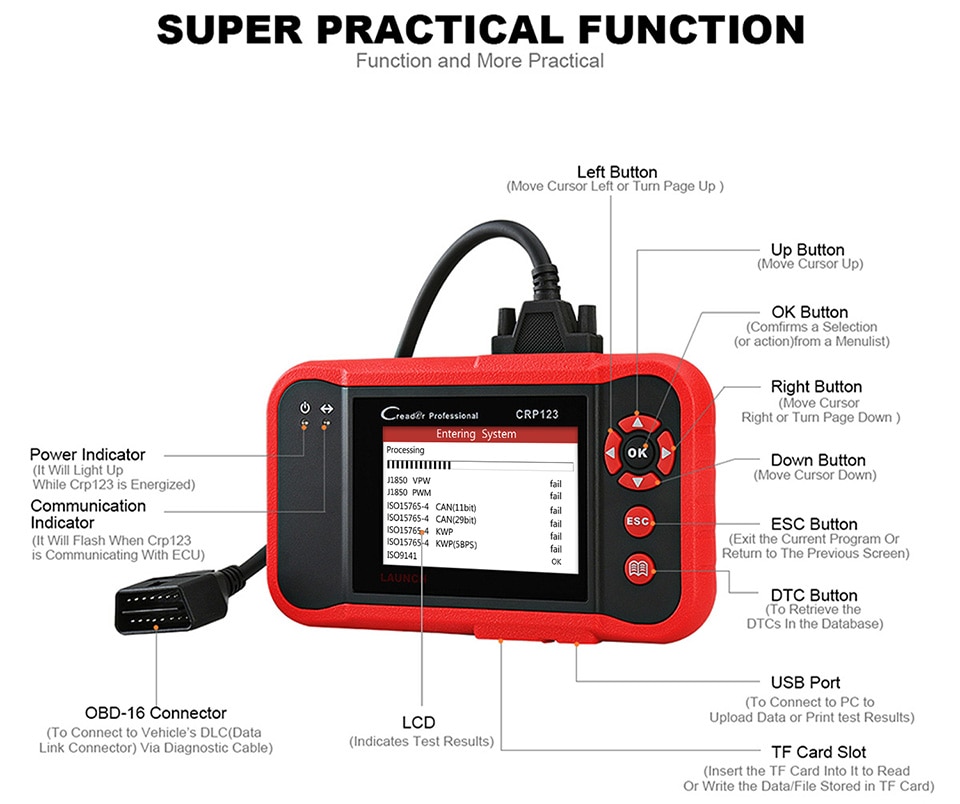
X431 CRP123E Software Display:
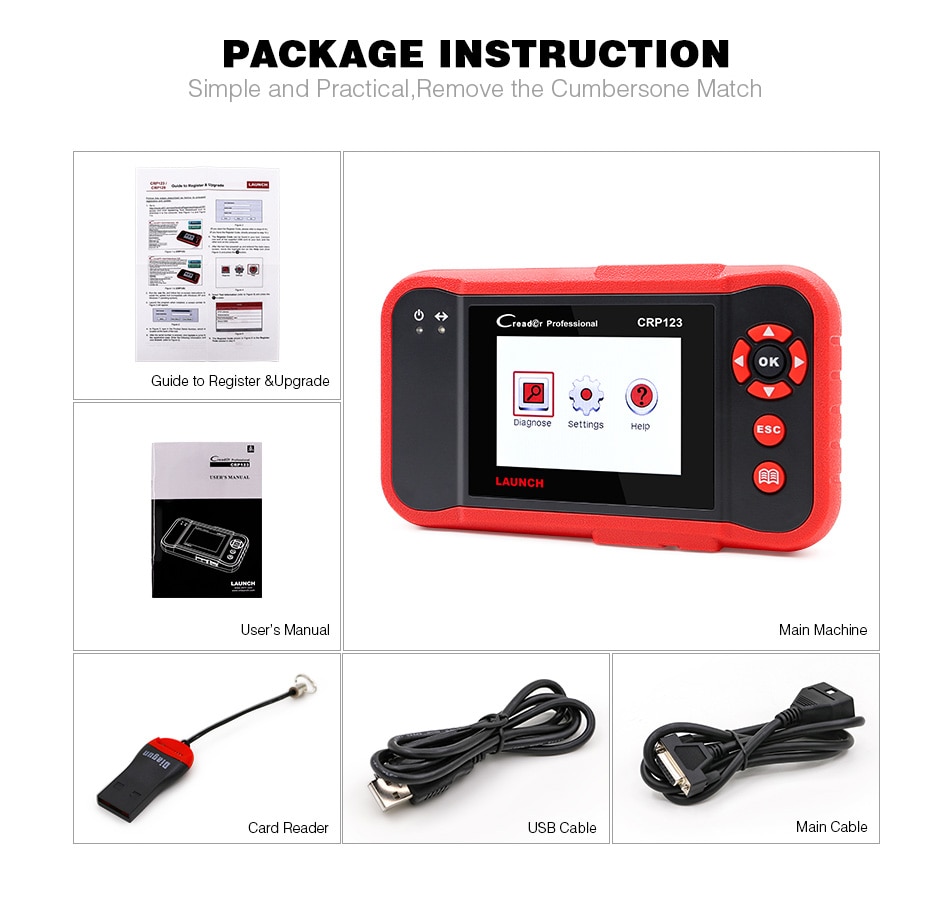
X431 CRP123E Package List:
1. Creader Professional 123E handset
2. OBD II diagnostic cable
3. DC 5V charging cable
4. User manual
5. Carrying bag
LAUNCH X431 CRP123E FAQ:
Q1: System halts when reading data stream. What is the reason?
A1: It may be caused by a slackened connector. Please turn this tool off, firmly connect the connector, and switch it on again.
Q2: Screen of main unit flashes at engine ignition start.
A2: Caused by electromagnetic disturbing, and this is normal phenomenon.
Q3: There is no response when communicating with on-board computer.
A3: Please confirm the proper voltage of power supply and check if the throttle has been closed, the transmission is in the neutral position, and the water is in proper temperature.
Q4: What to do if the system fails to start auto VIN detection?
A4: Please check the following possible reasons:
bull Whether the tool is properly connected to the vehiclersquos DLC.
bull Whether the ldquoAutomatic detection on Connectrdquo switch is OFF. If yes, slide it to ON.
Q5: Why are there so many fault codes?
A5: Usually, itrsquos caused by poor connection or fault circuit grounding.
Q6: How to upgrade the system software?
A6: 1.Switch the tool on and ensure a stable internet connection.
2. Tap ldquoSettingrdquo on the Job Menu, select ldquoAboutrdquo -> ldquoVersionrdquo, and tap ldquoDetect the System Versionrdquo to enter the system upgrading page.
3. Follow the on-screen instructions step by step to finish the process. It may take several minutes depending on the internet speed, please be patient After upgrade is successfully finished, the tool will automatically restart and enters the Job menu.